
Integrations
Every client account, one link
Tick the platforms, choose the access level for each, send the link. Your client signs in where they need to, follows a step where a platform has no API, and you're notified when it's all done. The same connections feed your reports.
You pick the access. They see it before they agree.
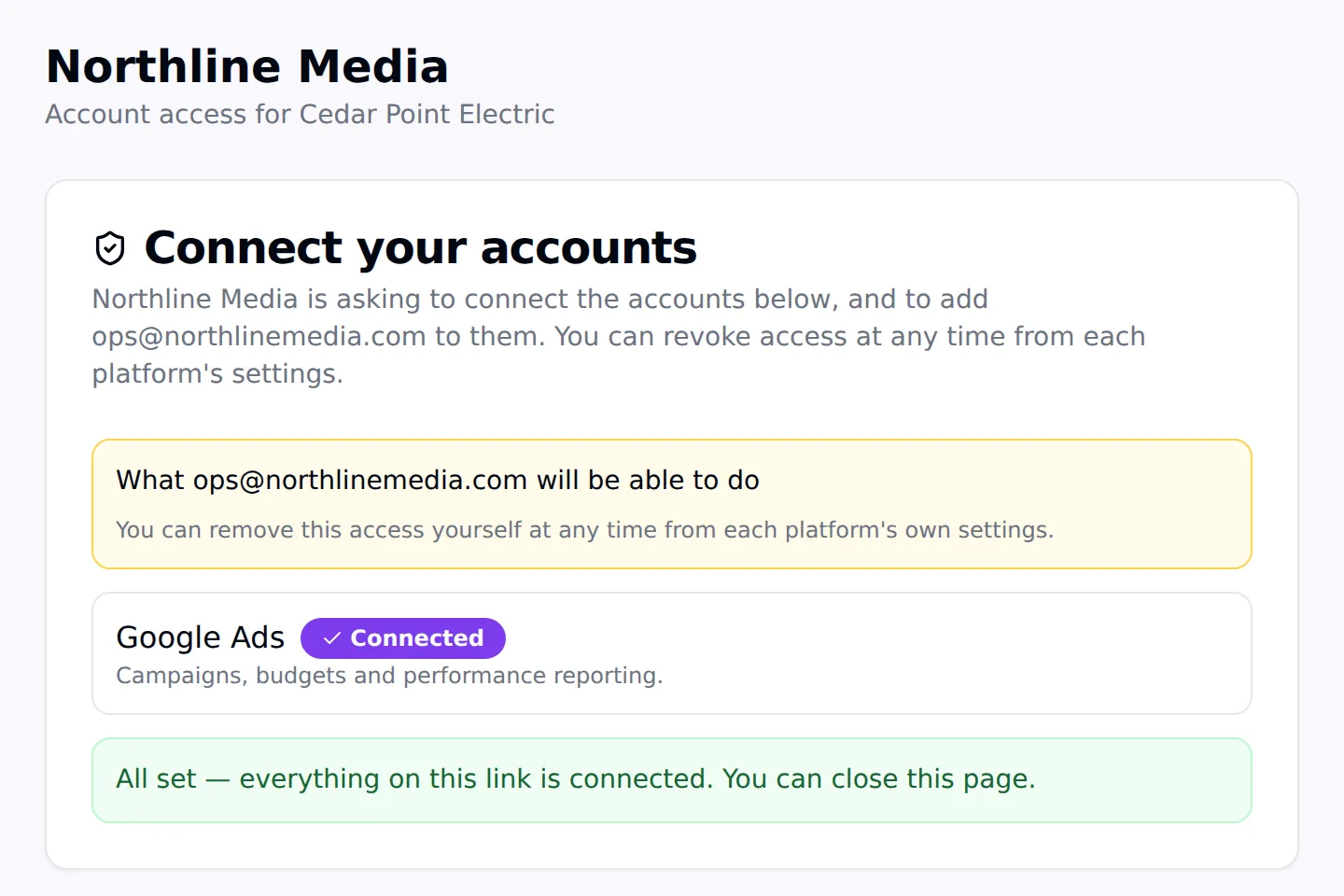
When you create a link you choose, per platform, exactly what your agency gets: Analyst on GA4, Edit on Tag Manager, Manager on Business Profile, Standard on Google Ads. The client's page lists those roles in plain words before they connect anything.
If a client's login reaches several properties or ad accounts, nothing is granted until someone picks the right one. No guessing, no over-granting.
Client access
Platform by platform
How access is granted on each platform, the roles you can request, and what the connection adds to reporting.
| Platform | How access is granted | Roles you can request | In your reports |
|---|---|---|---|
| Google Ads | Automatic invitation | Standard · Read only · Admin | Spend, leads, CPL, campaigns, search terms |
| Google Analytics 4 | Automatic | Viewer · Analyst · Editor · Administrator | Sessions, engagement, channels, pages |
| Google Business Profile | Automatic | Manager | Views, calls, directions, keywords |
| Google Tag Manager | Automatic | Read · Edit · Approve · Publish | — |
| Google Search Console | Guided (Google has no API below Owner) | Full · Restricted | Queries, clicks, impressions, position |
| Google Merchant Center | Automatic invitation | Read only · Performance reporting · Standard · Admin | — |
| YouTube | Guided | Manager · Editor · Viewer | — |
| Meta ad accounts | Automatic partner assignment | Manage campaigns · View performance | Spend, impressions, clicks, campaigns |
| Facebook Pages | Automatic partner assignment | Content & messages · Ads · Insights | — |
| TikTok Ads | Guided | Analyst · Operator · Admin | — |
| LinkedIn Ads | Guided | Viewer · Creative · Campaign · Account manager | — |
| Snapchat Ads | Guided | The role you choose | — |
| Shopify | Guided (collaborator code) | Collaborator permissions you request | — |
| Website & hosting access | Guided (your steps) | Whatever your steps ask for | — |
Meta
Ad platforms
Questions
- Which platforms can one onboarding link cover?
- Google Ads, Google Analytics 4, Search Console, Business Profile, Tag Manager, Merchant Center, YouTube, Meta ad accounts and Pages, TikTok Ads, LinkedIn Ads, Snapchat Ads, Shopify, and website or hosting access such as WordPress, GoDaddy, Hostinger, Wix and Squarespace — all on the same link.
- What's the difference between automatic and guided?
- Automatic means the platform lets an app grant access, so your agency is added (or invited) the moment the client connects. Guided means the platform offers no API for it, so the link shows the client the exact steps, your details and the role, and tells you when they say it's done.
- Is owner access ever requested?
- No. On every platform you choose the access level when you create the link, and owner-level access is never one of the options.
- Do clients have to share passwords?
- Never. Clients sign in on each platform's own page, and guided steps always invite your agency's own login.
Stop chasing logins
Start a 14-day trial with 300 credits and send your first onboarding link today.